
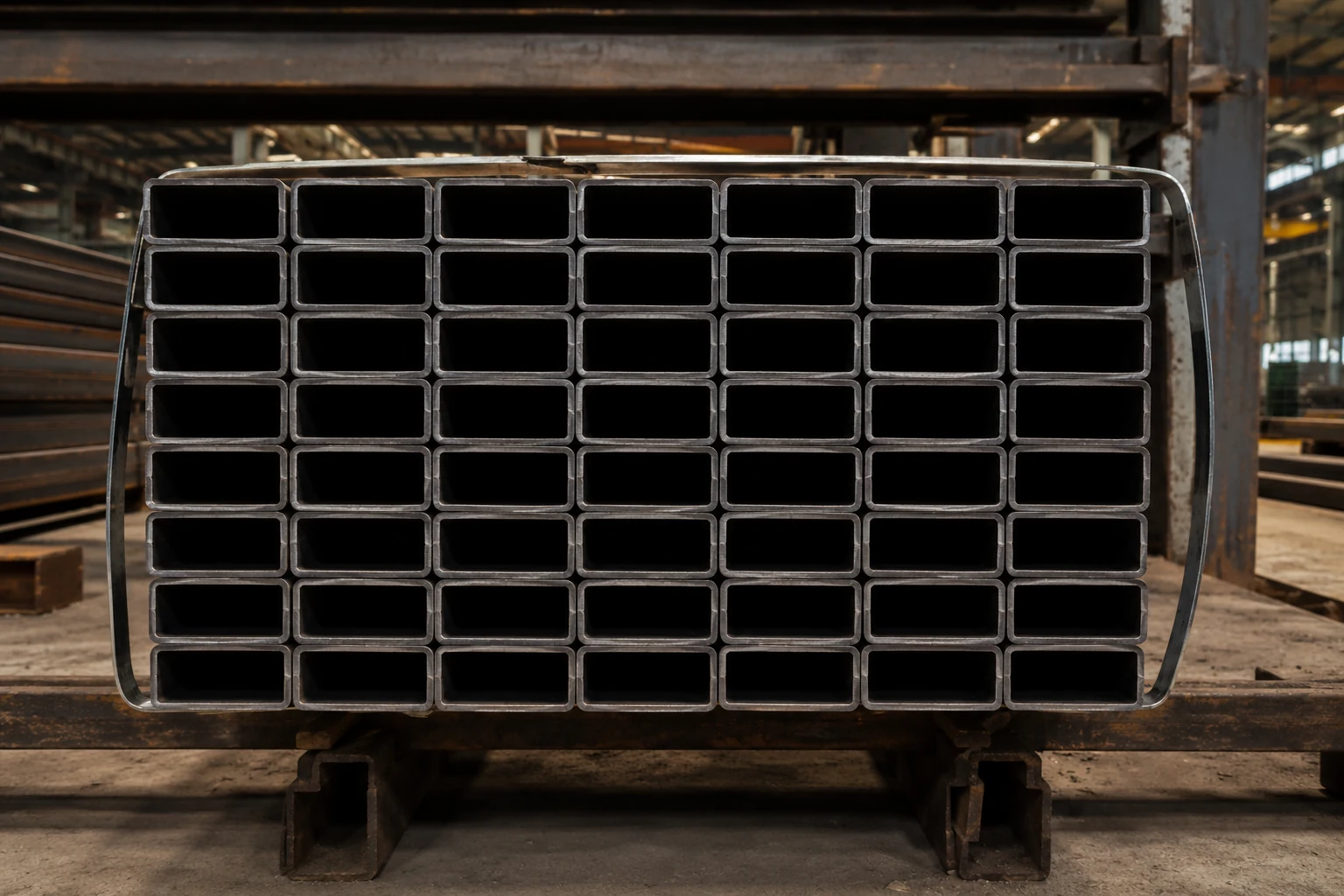
For SHS or RHS stock, photograph the visible tube ends clearly, avoid a steep perspective angle, run the count, and verify every marker before saving the quantity.
What changes with SHS and RHS stock
Square and rectangular tube ends create repeated corners and straight edges rather than circles. Perspective, tight stacking, straps and dark interiors can make neighbouring sections visually merge.
A practical workflow
- Position the camera so the open ends are visible.
- Keep the stack sharp from edge to edge.
- Include the full section of stock you intend to count.
- Run the count and inspect the overlays.
- Check irregular rows and the outside perimeter first.
- Add or remove markers where review shows a correction is needed.
- Save/export only after verification.
When not to rely on the automatic total alone
If tubes are heavily overlapped, partly hidden behind other stock, seen from a steep side angle, or mixed with several unrelated profiles, use the marked image as a review aid rather than treating the first total as final.
Typical applications
The workflow is relevant to steel distributors, fabrication shops, warehouses and construction/material yards that handle square or rectangular hollow sections.
Accuracy and review
Image-based counting depends on what is visible in the photograph. Lighting, perspective, crop, occlusion, material appearance and image quality can affect detection. Review the marked result and use manual correction before relying on a count for an operational decision.
Use Pipe Counter for a reviewable count.
Count visible stock from a photo, inspect the markers, correct the result and keep the verified quantity.

