Take a photo
Use the camera or choose an image from the gallery. If needed, focus only on the part of the image you want to count.
PIPE COUNTING & INVENTORY
Pipe Counter helps warehouses, factories, stockyards and site teams count visible pipe stock, review the result, calculate material weight and keep a useful inventory record.
Built for everyday pipe counting, stock checks, receiving and dispatch.


Looking for a pipe counter app for warehouse inventory? Pipe Counter is designed for photo-based counting of visible steel pipes, tubes, PVC and common hollow sections.

THE APP
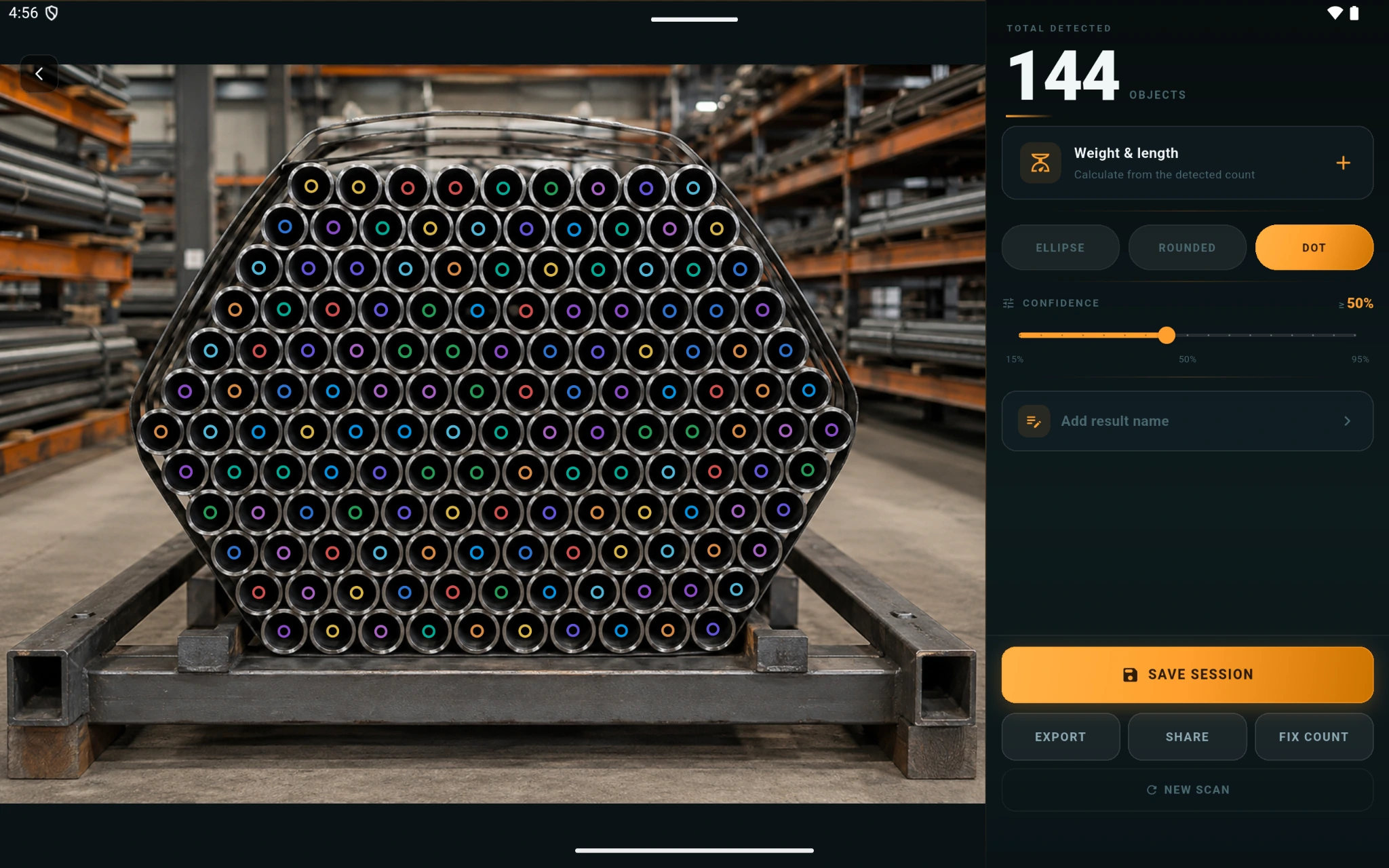
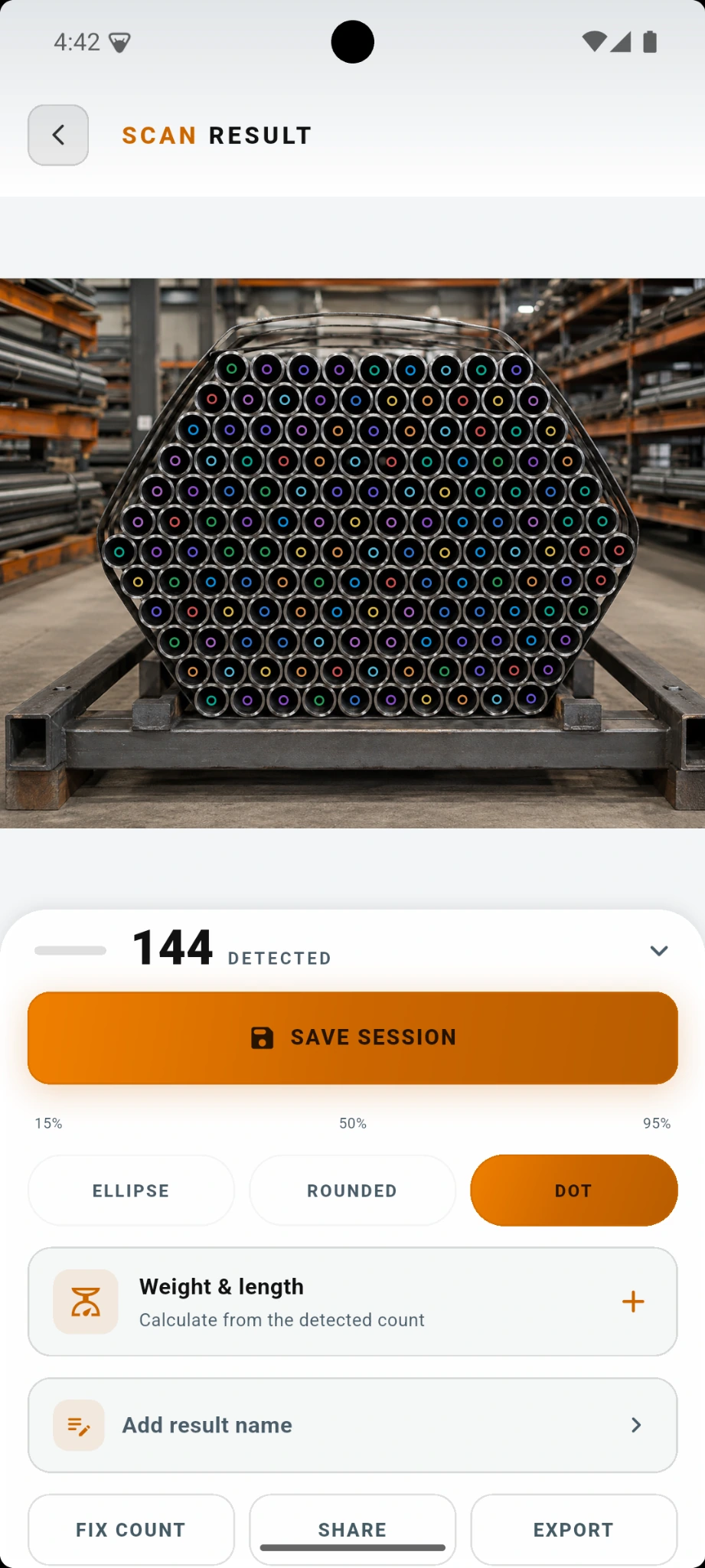
Pipe Counter shows the detected total together with markers on the stock image. Your team can quickly check what was counted before saving the result, calculating weight or exporting a report.
HOW IT WORKS
No special counting equipment is required. Use the phone or tablet your team already carries.
Use the camera or choose an image from the gallery. If needed, focus only on the part of the image you want to count.
Pipe Counter marks detected items on the image so the result is easy to check. If something needs adjustment, you can correct it manually.
Keep the result in history, calculate weight and length, or create a report for your records and sharing.
WHERE PIPE COUNTER HELPS
Pipe Counter is designed for practical situations where teams need to know how much pipe stock is available, received, moved or dispatched.
Read the warehouse pipe stocktaking guide →Count visible pipe bundles during routine stock checks, cycle counts and inventory reviews without manually tallying every piece.
Check incoming stock quantities when material arrives and keep the result as a reference for the receiving team.
Review pipe quantities before loading or dispatch and keep a saved result for later reference.
Count raw material, finished bundles and stored stock around production and warehouse areas.
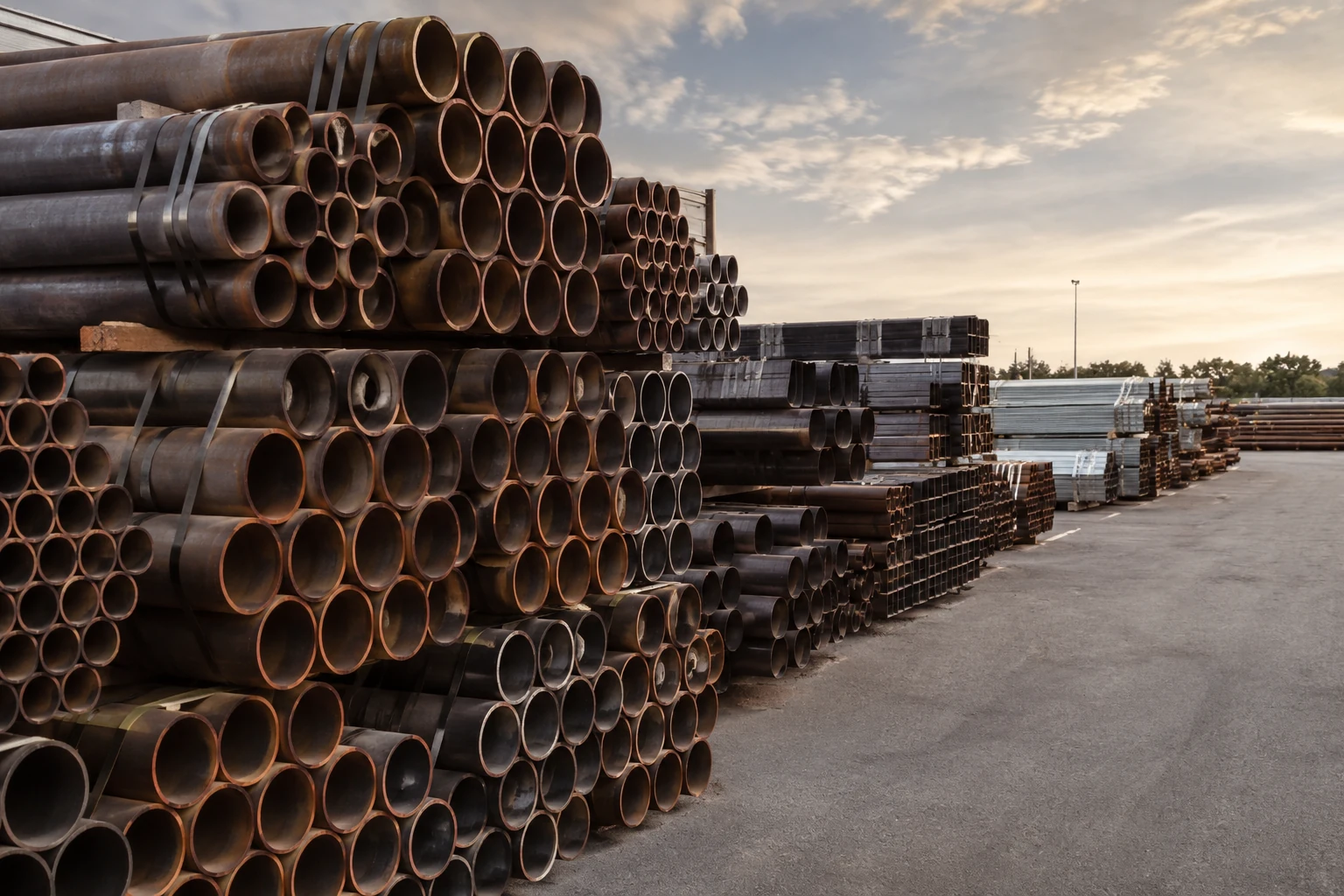
Use a phone or tablet to count visible pipe and tube stock stored in racks, bundles or outdoor yards.
Check available pipe stock before material issue, installation or transfer between site areas.
Support daily stock checks, customer-order preparation and internal quantity verification.
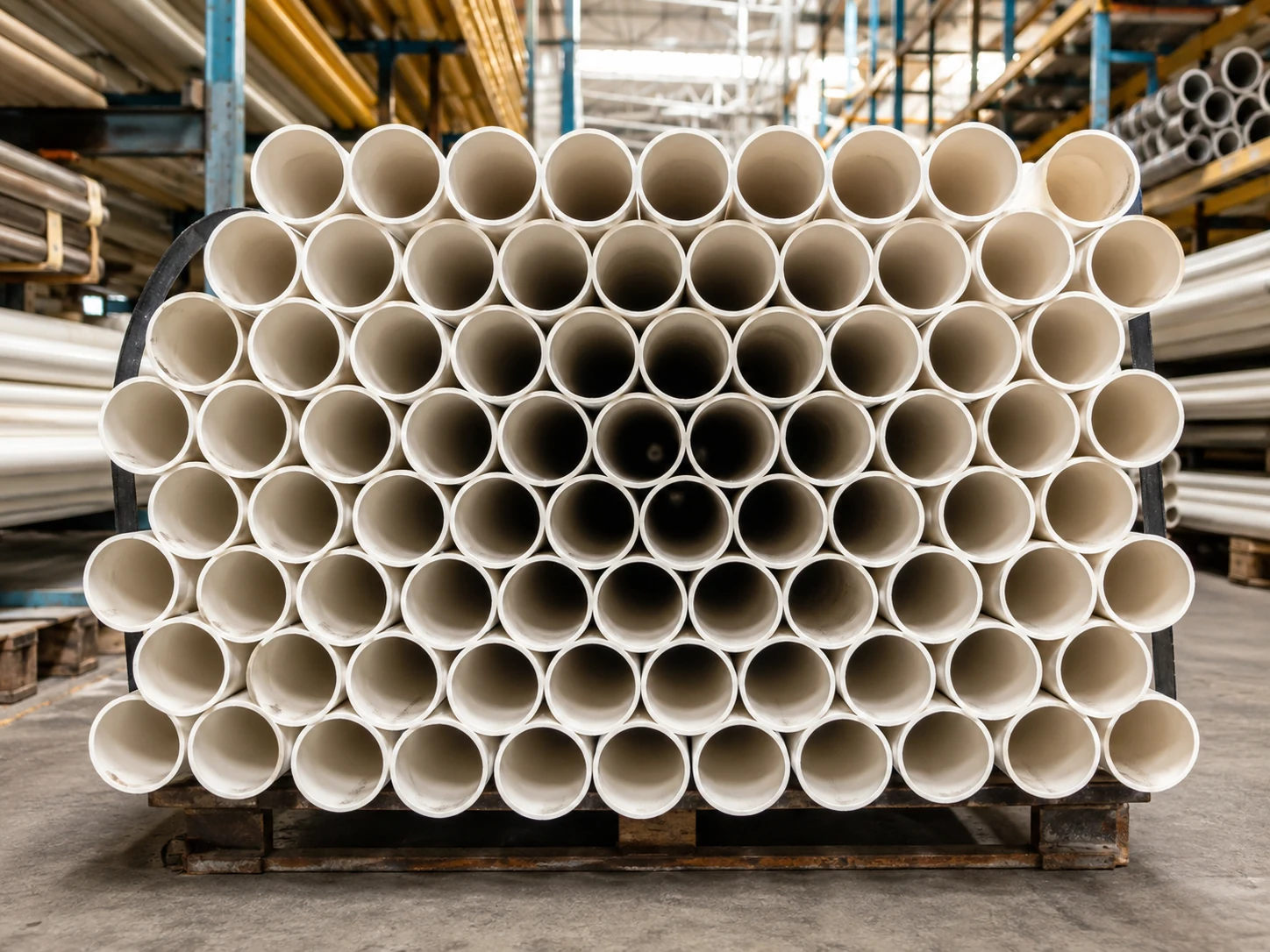
Count PVC and similar pipe bundles during receiving, warehouse checks and order preparation.
SUPPORTED STOCK TYPES
Pipe Counter works best when the visible ends of the stock can be clearly seen in the image. Round pipe is the main workflow, with support for other common section types too.
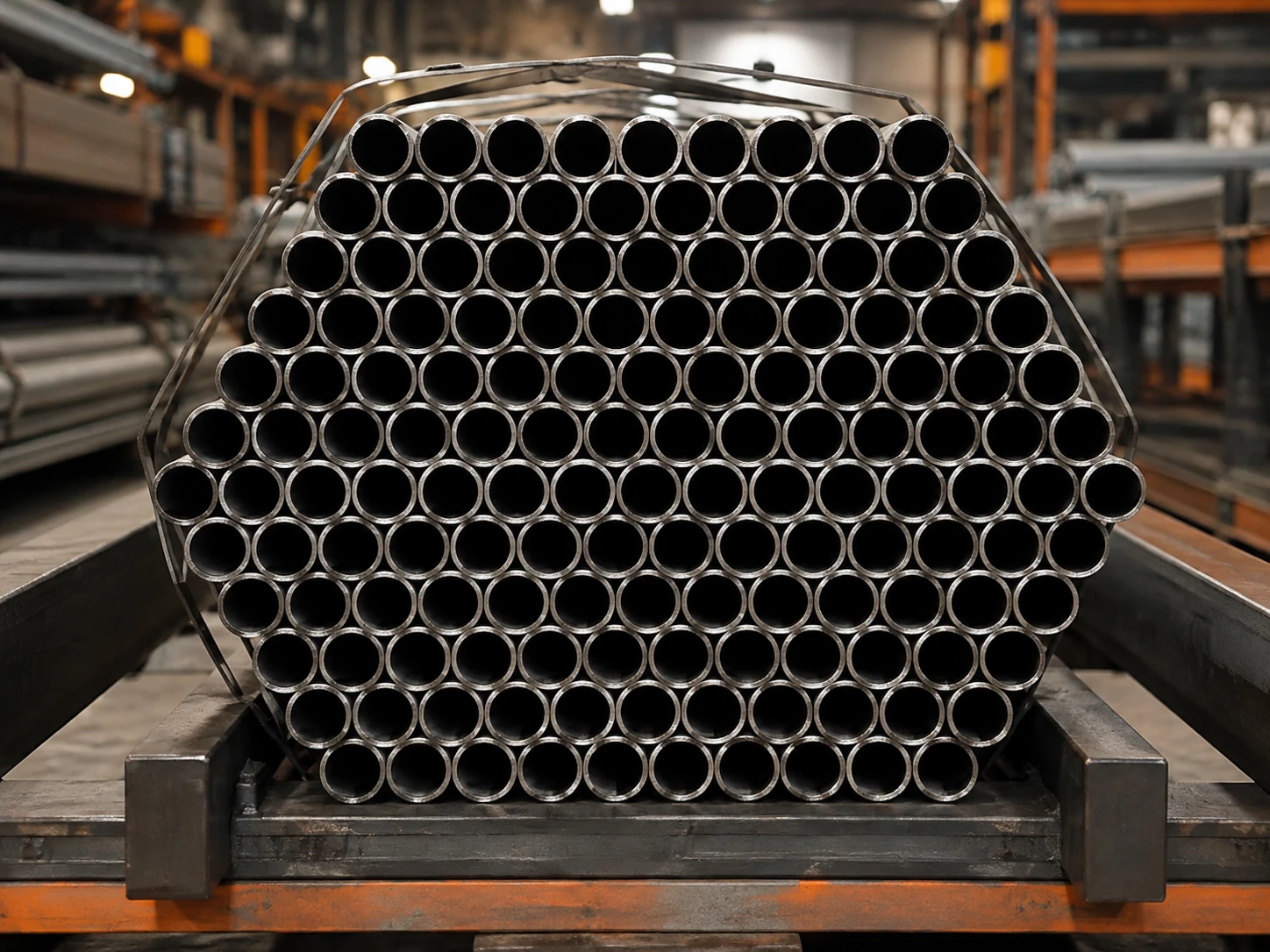
For steel traders, pipe yards, warehouses, fabrication businesses and industrial stockholders.
Useful for plumbing suppliers, construction-material warehouses and distributors.
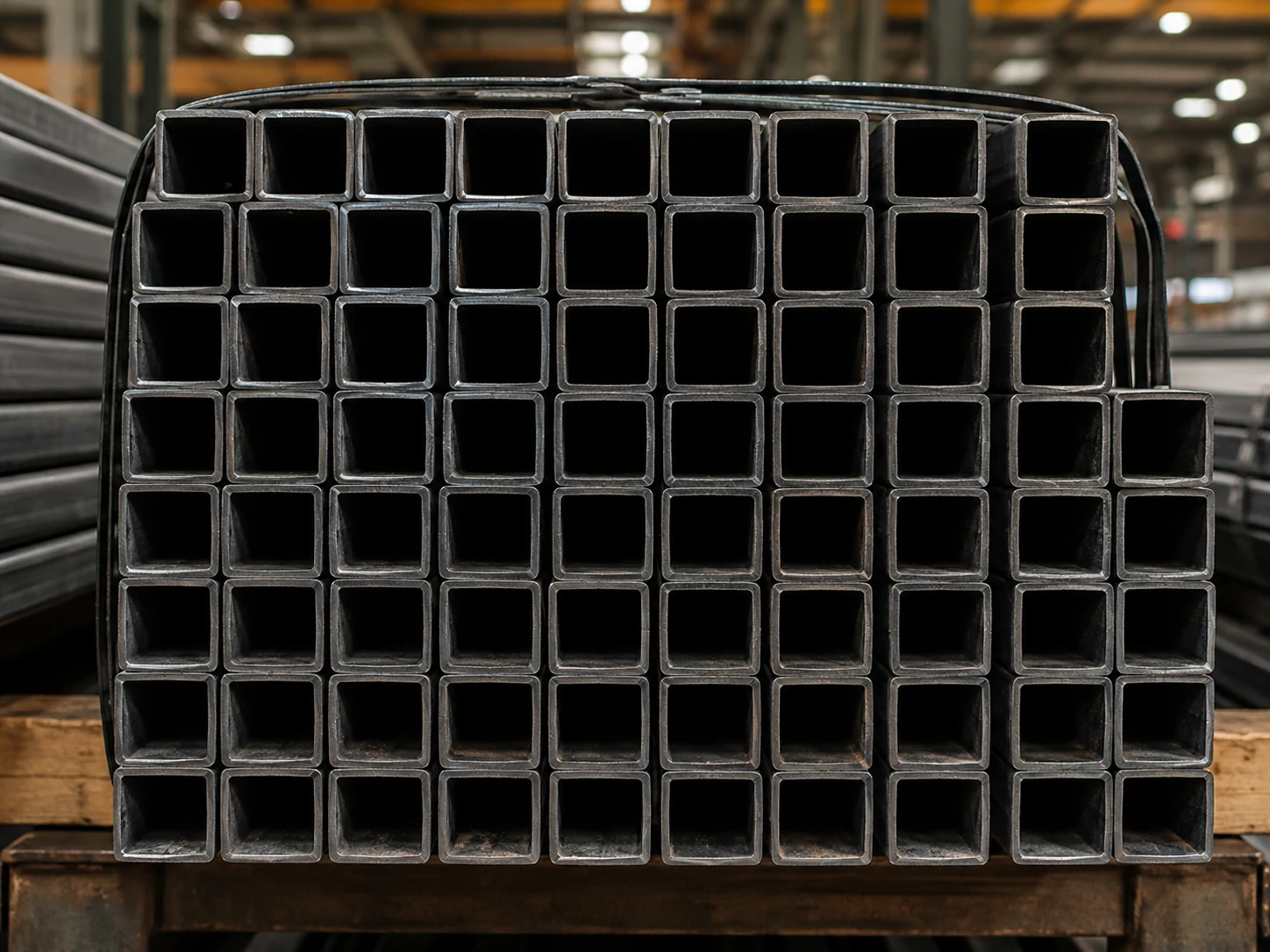
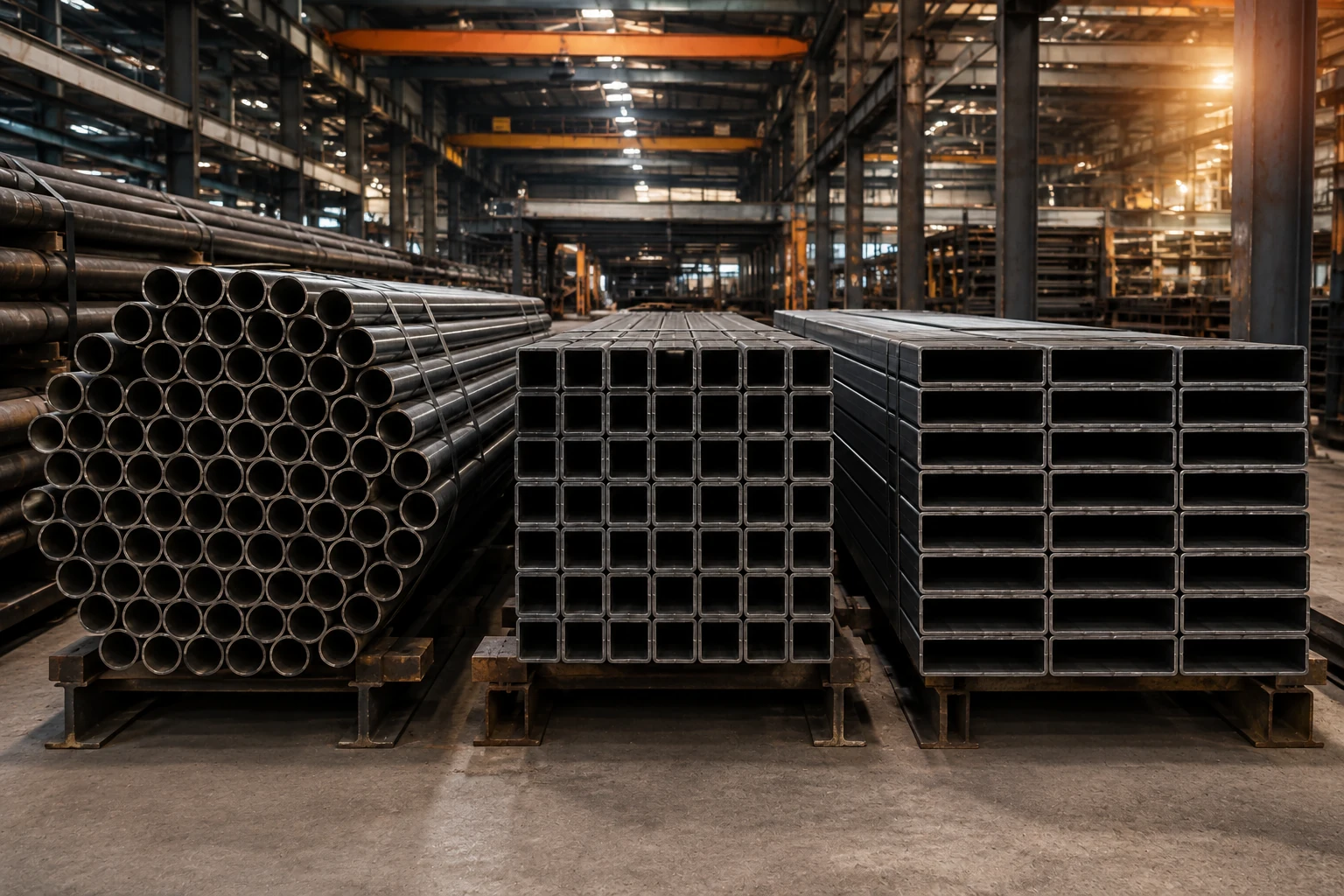
Count common square tube and SHS stock arranged in visible bundles or rows.
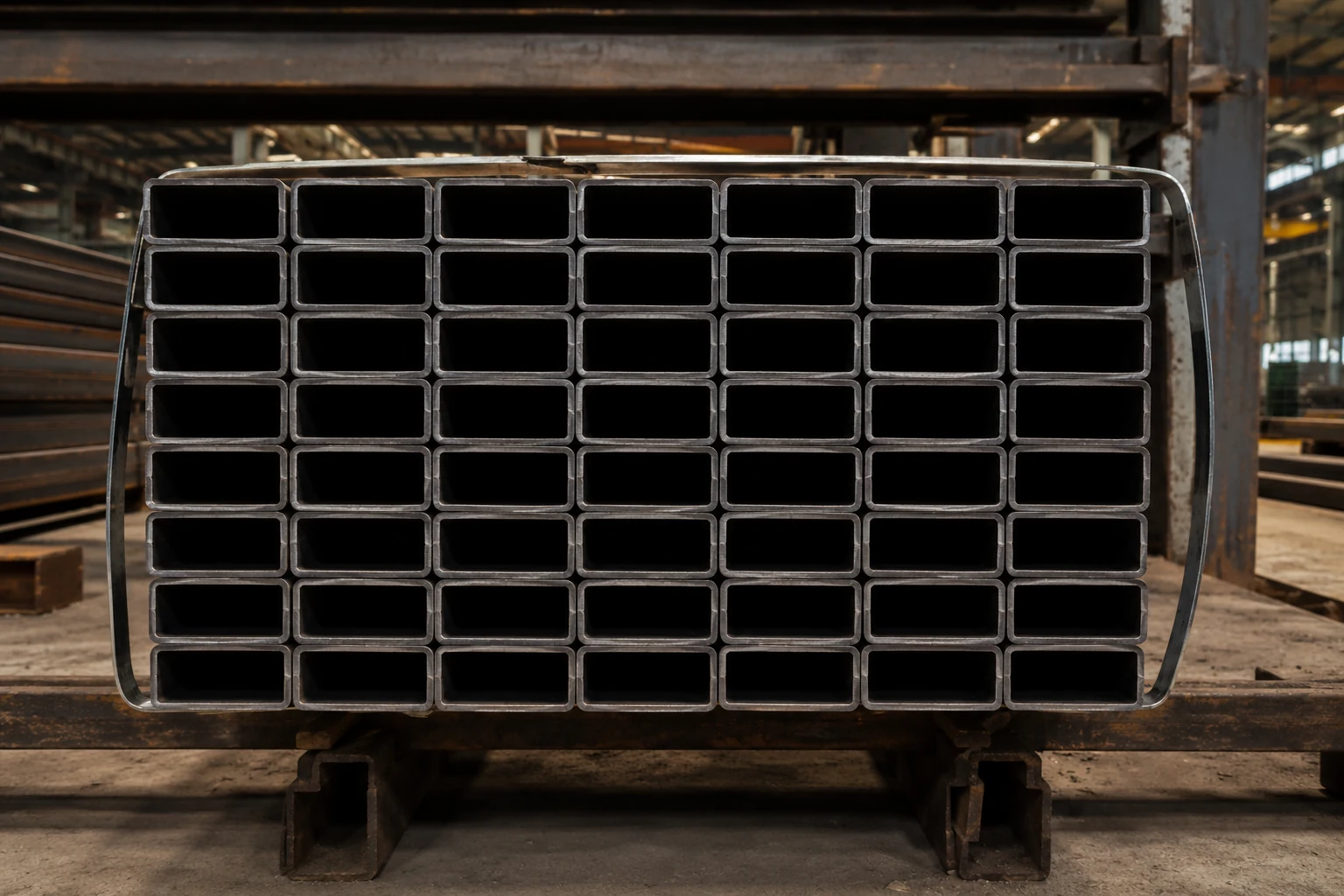
Use the same workflow for RHS and similar rectangular tube stock.
Suitable for larger industrial pipe stock when the pipe ends are clearly visible.
The same photo-based workflow can be useful for other countable tube and conduit stock.
REPORTS & RECORDS
A count is more useful when your team can keep the details with it. Pipe Counter helps you save the result and create records for stock checks, receiving, dispatch and internal reference.
See how count, length and weight work together →
Create a structured record that can be stored, shared or attached to your stock and dispatch documentation.
Use supported result data in spreadsheets or other internal recordkeeping workflows.
Keep or share a visual result showing the counted stock and markers.
For business requirements, report layouts can also be discussed with your company details, custom fields, reference numbers and workflow-specific information.
Discuss report customization →MORE THAN A COUNT
BUSINESS & ENTERPRISE
Pipe Counter is also a starting point for businesses that need a more structured inventory workflow. If your company has specific requirements, we can discuss customization and enterprise-level solutions around the way your team already works.
Depending on your requirement, custom work can be discussed around areas such as:
Enterprise capabilities are discussed separately and may require custom development. They are not all included in the standard Pipe Counter mobile app today.
Discuss your business requirement →PIPE COUNTING GUIDES
These guides answer common questions from warehouse, steel, construction and distribution teams. They are written to be useful first — and to help people searching for a better counting workflow find Pipe Counter.
Compare manual counting with a simple photo-based workflow and learn how to review a large bundle before saving the result.
Read guide →A practical workflow for receiving, cycle counts, stock checks and dispatch verification in pipe warehouses and yards.
Read guide →Understand the relationship between quantity, pipe dimensions, length and estimated total material weight.
Read guide →FAQ
Clear answers about the app, stock types, reports and business use.
Pipe Counter is a mobile app designed to help count visible pipe and tube stock from a photo. The app marks detected items on the image so the result can be reviewed before it is saved or exported.
It is useful for pipe traders, steel yards, warehouse teams, factories, construction supervisors, plumbing wholesalers, receiving teams and dispatch teams that regularly count or verify pipe stock.
Yes. Take a photo or choose one from your gallery. Pipe Counter analyzes the visible pipe ends and shows the detected count together with markers on the image.
Round pipe is the main workflow. The app can also support common PVC, square and rectangular hollow-section stock where the individual ends are clearly visible.
Yes. The detected items are shown with markers so you can visually review what was counted before keeping the final result.
Pipe Counter includes manual correction tools. You can add a missing marker or remove an incorrect one before keeping the final count.
Yes. The app includes a weight and length workflow so the detected quantity can be used with your material dimensions and length to calculate an estimated total weight.
Yes. Results can be saved for later reference. Supported export options include PDF, CSV and image-based records.
Depending on the selected workflow, a report can include the counted quantity, counted image, date and time, pipe details, length and calculated weight information, plus other supported result details. Business-specific report requirements can also be discussed separately.
The core counting workflow runs on the device, which makes the app practical for warehouses, stockyards and work sites where connectivity may be limited.
Yes. Pipe Counter supports phones and tablets. A tablet can be useful when reviewing larger stock images or when your team wants more screen space while checking results.
Yes. Business and enterprise requirements can be discussed separately. This may include centralized records, team workflows, bundle identification, company-specific reports, custom fields and other operational requirements.
CONTACT US
Contact us directly. Whether you need help with the app or want to discuss a custom workflow for your company, email is the easiest way to reach us.
Need help with counting, reports, purchases or using the app? Send us a short description of the issue. A screenshot is helpful when relevant.
Email app supportTell us about your company, the material you handle, your team workflow and what you want to improve. We can then understand whether a customized solution makes sense.
Discuss your requirement
Take a photo, review the count and keep the result for your inventory workflow.